Introduction to UI Optimization
The user interface (UI) in World of Warcraft is one of the most powerful tools available to players. A well-optimized UI enhances reaction times, reduces clutter, and increases comfort during long gaming sessions. Many players use the default UI, but customization can dramatically improve efficiency and enjoyment. By adjusting layouts, using addons, and personalizing your interface, you can transform your WoW experience from overwhelming to seamless.
This article provides step-by-step tips to optimize your WoW UI for maximum efficiency and comfort across all types of gameplay.
Why UI Matters
In a game where milliseconds matter, your UI can be the difference between victory and defeat. Poorly organized screens cause missed cooldowns, overlooked mechanics, and unnecessary deaths. An optimized UI, on the other hand, makes information clear and accessible. Whether you’re raiding, running Mythic+ dungeons, or battling in PvP arenas, a clean interface ensures you make better decisions in less time.
Players who underestimate the importance of UI often find themselves held back by avoidable mistakes.
Core UI Adjustments
Start by customizing the default interface. Move essential bars closer to your character model for better visibility and reduce reliance on peripheral vision. Adjust chat windows to filter unnecessary information and highlight important messages like raid warnings. Enable nameplates for enemies and allies, ensuring you track both threats and support quickly. Small changes to default UI placement already create major improvements in efficiency.
These foundational adjustments provide a solid base for more advanced customization later on.
Essential Addons
Addons elevate UI customization by providing tools unavailable in the default system. WeakAuras allows you to track cooldowns and buffs with visual alerts. Deadly Boss Mods or BigWigs provide encounter-specific timers that keep you ahead of mechanics. Auctioneer helps streamline the Auction House, while Details! gives real-time performance metrics. Choosing the right addons ensures your UI provides the information you need when you need it.
Addons should complement your playstyle, not overwhelm your screen. Select only those that enhance your goals.
UI Optimization Checklist
- Place action bars near your character model for faster reactions.
- Use WeakAuras for cooldown and debuff tracking.
- Install Deadly Boss Mods or BigWigs for raid timers.
- Adjust chat filters to highlight key messages.
- Enable nameplates for both allies and enemies.
- Track performance with Details! or Recount.
This checklist provides a structured approach to building a clean and efficient UI. Each step ensures clarity and improved performance.
Advanced Customization
Players looking for maximum comfort can dive deeper into advanced UI customization. Interface mods like ElvUI or TukUI allow complete redesigns, from fonts and layouts to integrated addon support. These mods create a polished, professional look while streamlining multiple elements into one package. Advanced customization is especially useful for players with specific accessibility needs or those who spend hours in endgame activities.
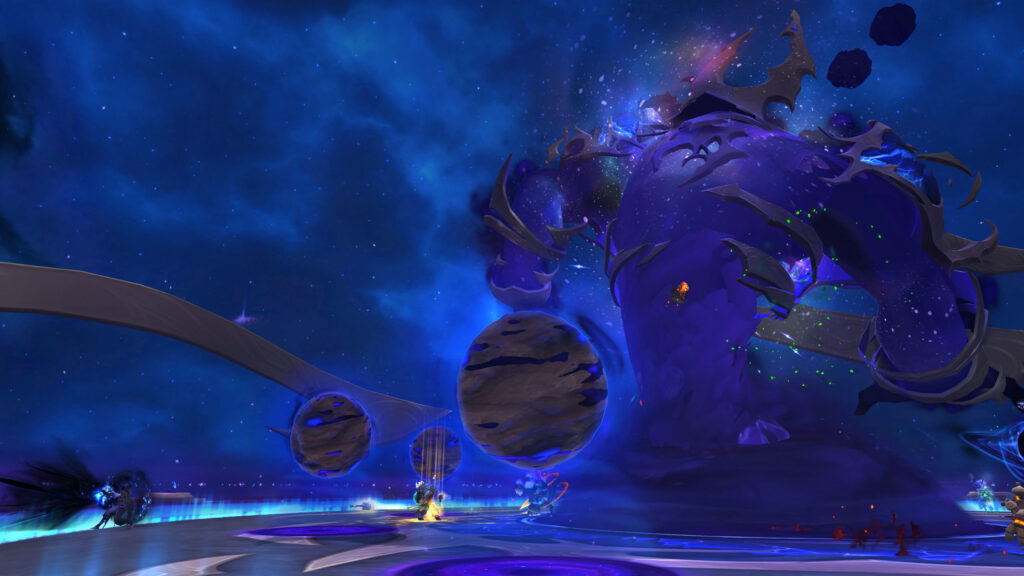
While advanced UIs require setup time, the benefits in clarity and efficiency are unmatched.
Comfort and Accessibility
UI optimization is not just about performance—it’s also about comfort. Adjusting font sizes, color contrasts, and minimizing screen clutter reduces eye strain during long sessions. Accessibility features, such as color-blind modes and custom keybindings, ensure all players can enjoy the game at their own pace. Comfort-focused adjustments make gameplay more sustainable, particularly for marathon raiding or PvP sessions.
Comfortable UIs keep you sharp and focused for longer periods without sacrificing efficiency.
Conclusion
An optimized WoW UI enhances both efficiency and comfort, making every encounter smoother and more enjoyable. By customizing layouts, integrating essential addons, and prioritizing comfort features, you ensure your interface works for you instead of against you. The best UIs are those that provide clarity at a glance while remaining comfortable for extended play.
Take the time to optimize your UI, and you’ll find your gameplay experience transformed, allowing you to perform at your peak in every situation.
Home